Tangible controllers
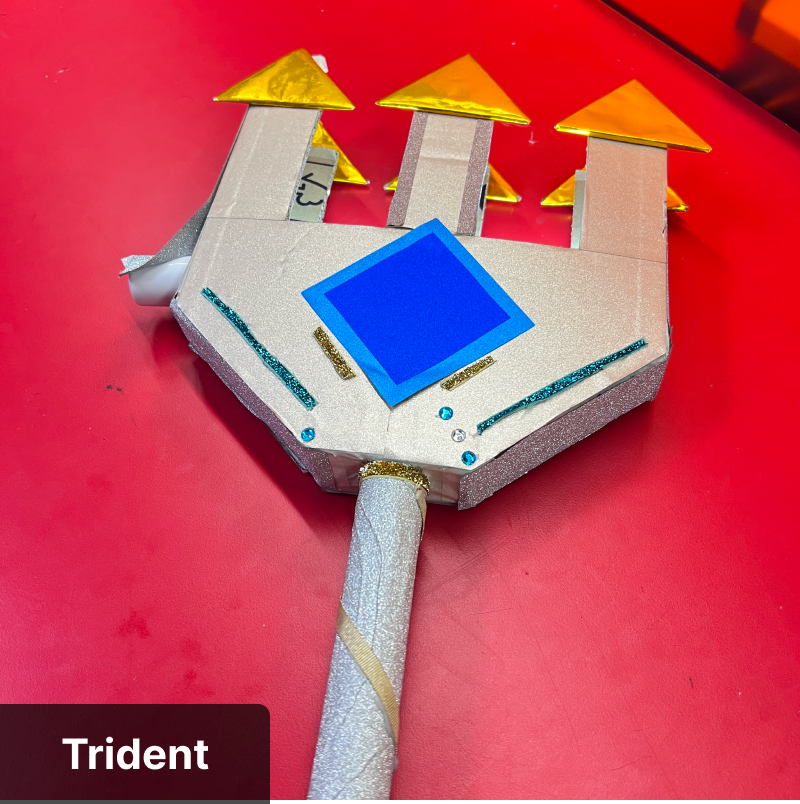
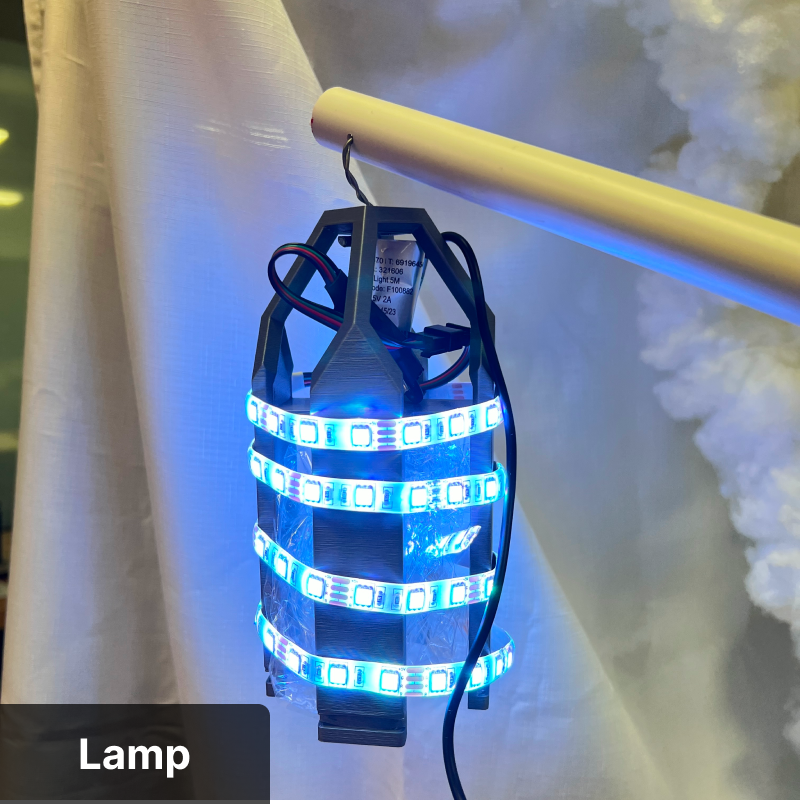
Used two physical “controllers” (a light-based trident + hand lamp) to make interaction immediately understandable and fun for first-time users.
An immersive, screenless ocean installation — physical computing, interaction design and iterative prototyping.
← Back to Projects
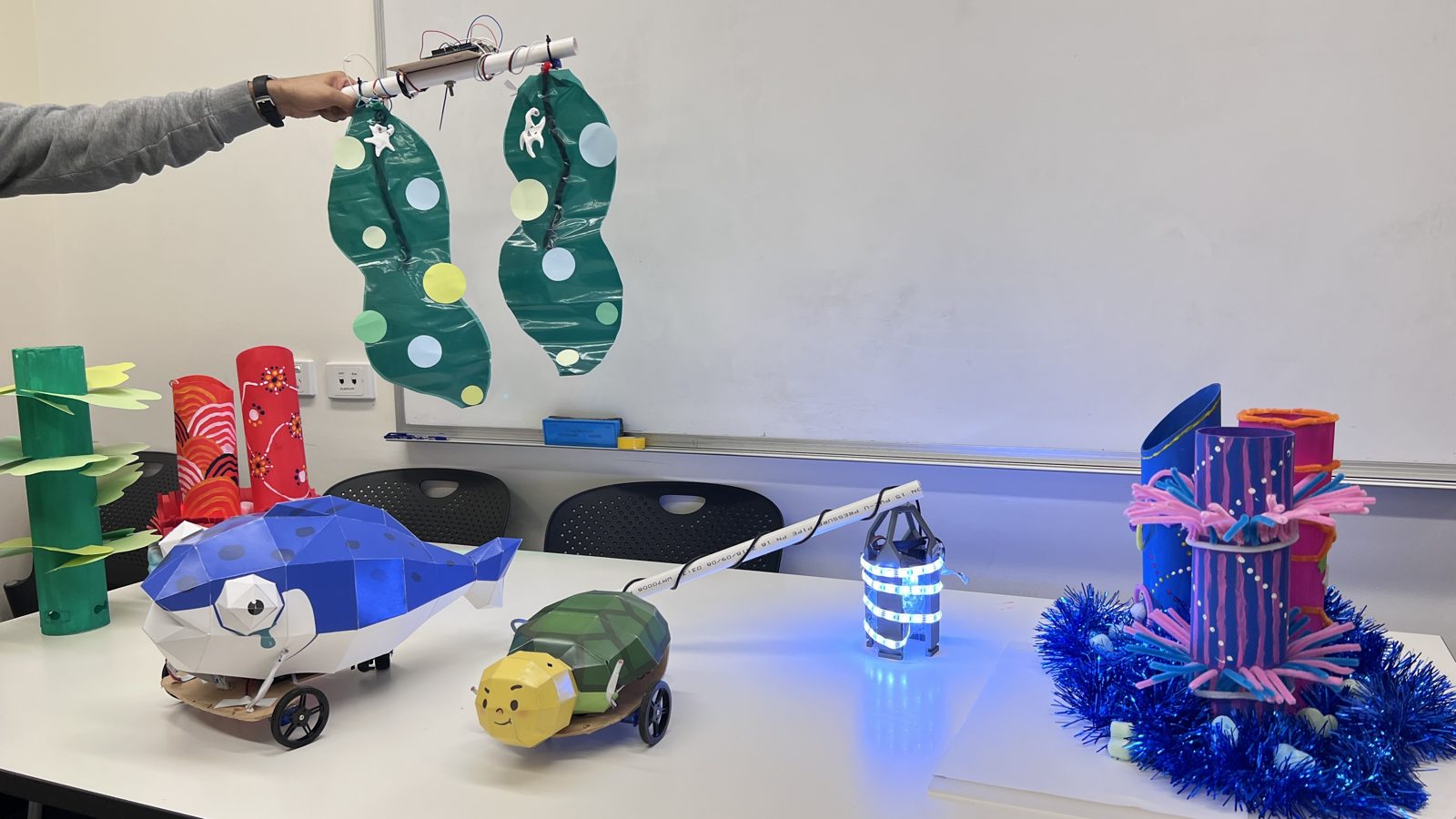
Aqualumina is an immersive, ocean-inspired interactive space that uses playful augmentations—light, motion, and tangible props—to help users feel more connected to marine ecosystems. The experience invites free exploration: a hand-lamp and trident become the main inputs that influence responsive seaweed, roaming fish creatures, and colour-shifting coral behaviours. Built through iterative prototyping and usability testing, the final concept demonstrates how physical interaction and simple sensing can make marine biodiversity feel engaging, intuitive, and memorable.
Programmer, Physical designer — seaweed & fish interactions, Arduino coding, soldering, low-fi prototyping, fabrication support, presentation/pitch.
Aqualumina responds to a common challenge in how people engage with ocean ecosystems: marine
biodiversity is often experienced at a distance—through screens, exhibits, or information-heavy
content—making it hard to feel present, curious, or emotionally connected. We wanted to explore how
near-future, technology-mediated interaction could turn learning into something physical and playful,
while still being intuitive for first-time users.
The core problem was designing an immersive space that encourages exploration without explicit
“win/lose” goals, while keeping interactions readable and responsive. That meant translating simple
inputs (light, proximity, movement) into meaningful feedback—so users immediately understand cause
and effect as they guide fish home, influence seaweed motion, and trigger coral colour changes.
Used two physical “controllers” (a light-based trident + hand lamp) to make interaction immediately understandable and fun for first-time users.
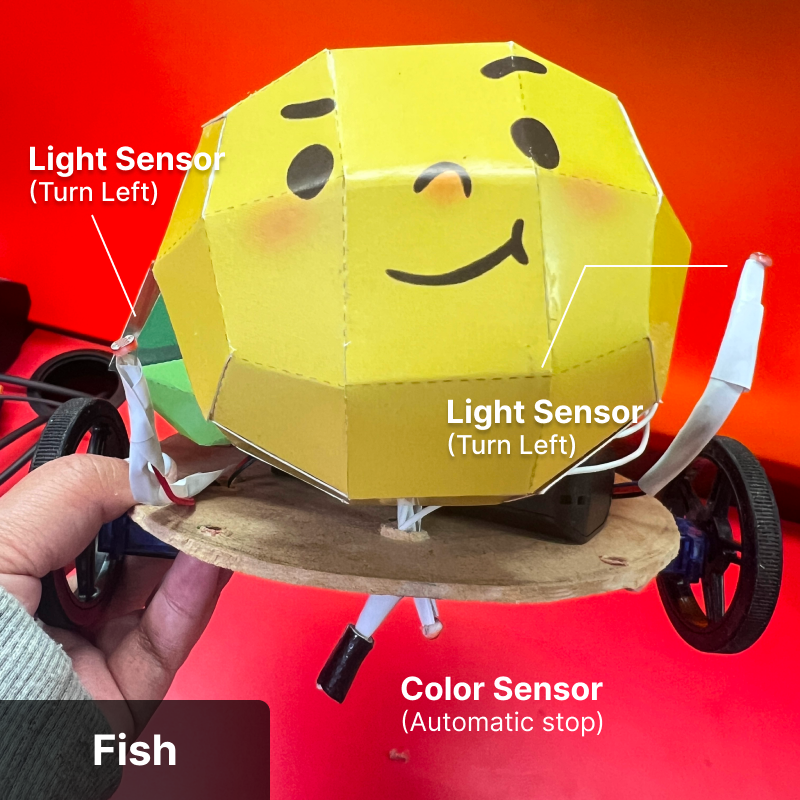
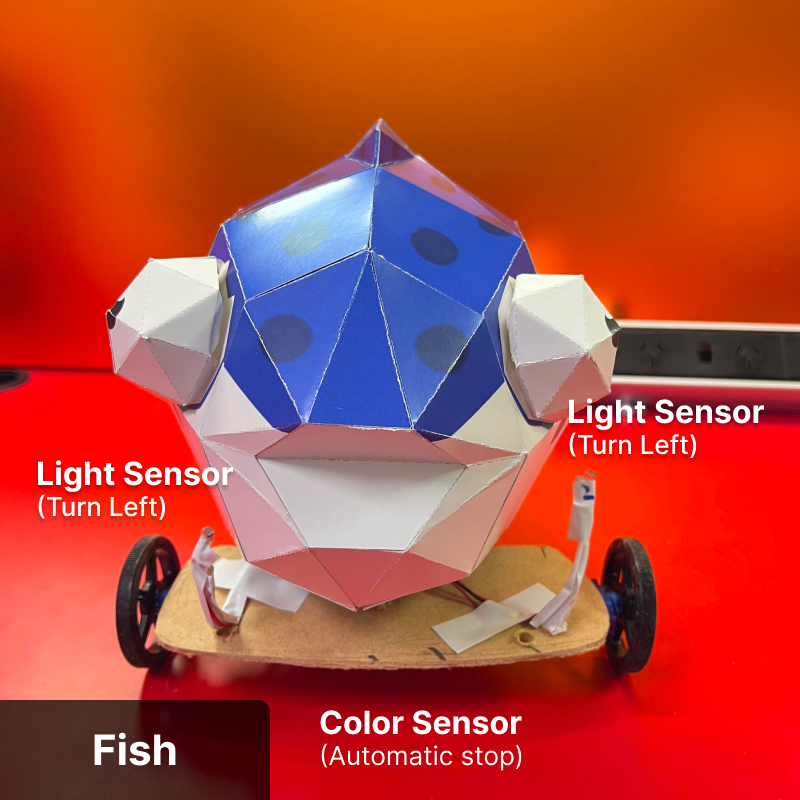
Built mobile sea creatures that follow light direction and stop near their “home” corals—turning exploration into a playful guiding interaction without a win/lose state.
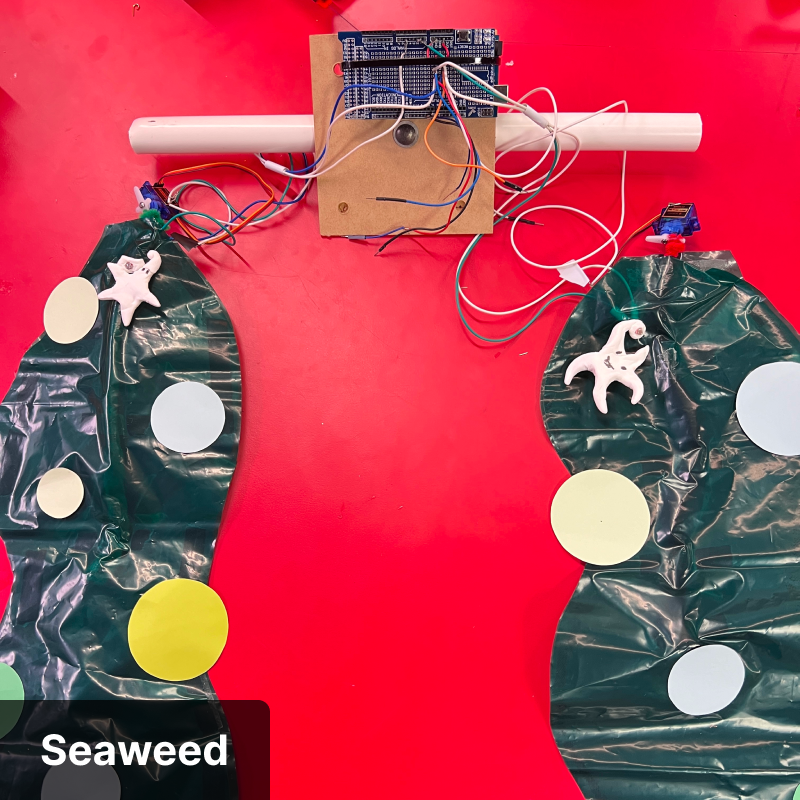
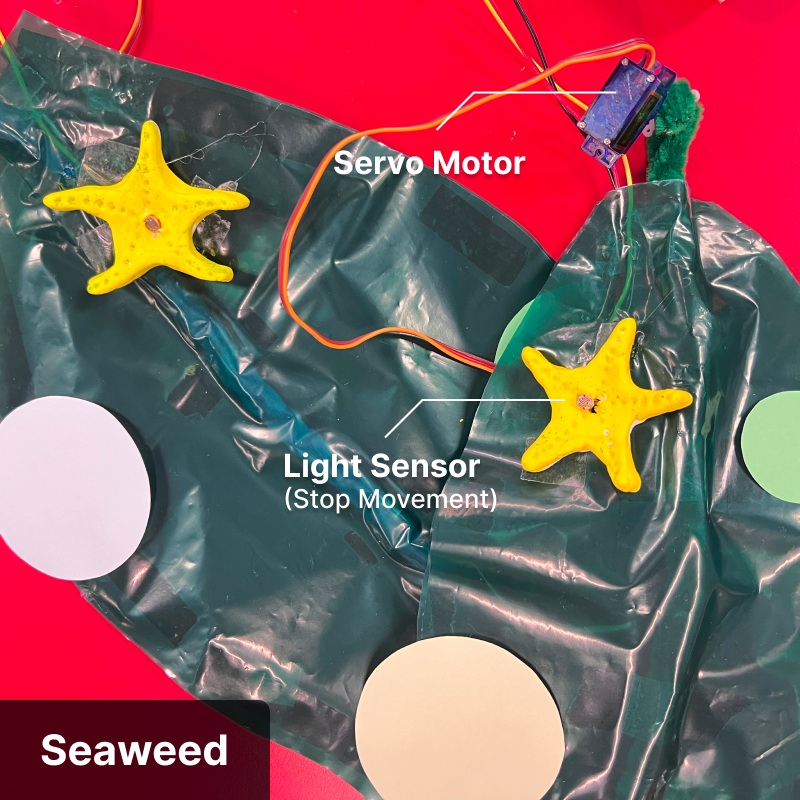
Designed a simple cause-and-effect loop: seaweed sways continuously, then pauses when illuminated— reinforcing user agency through instant feedback.
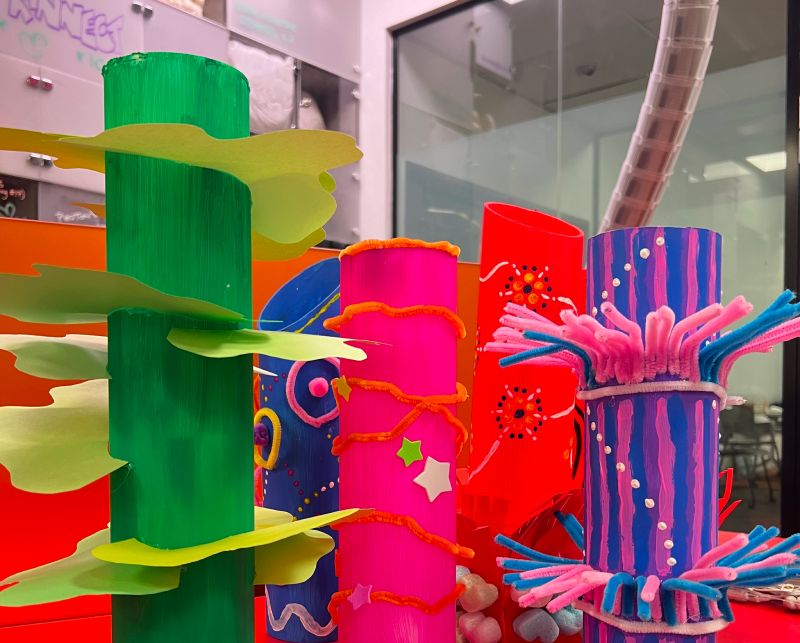
Used colour-changing corals as confirmation when fish arrive at the right location—keeping the experience readable and immersive without UI overlays.
Aqualumina was developed through a rapid, test-and-iterate process to make a playful, screenless ocean experience feel intuitive for first-time users. We started with a base interaction plan (shown in the early system sketches) that mapped the core loop (user shines light → creatures respond → environment confirms the action), then validated it through low-fi making, sensor experiments, and quick usability checks.
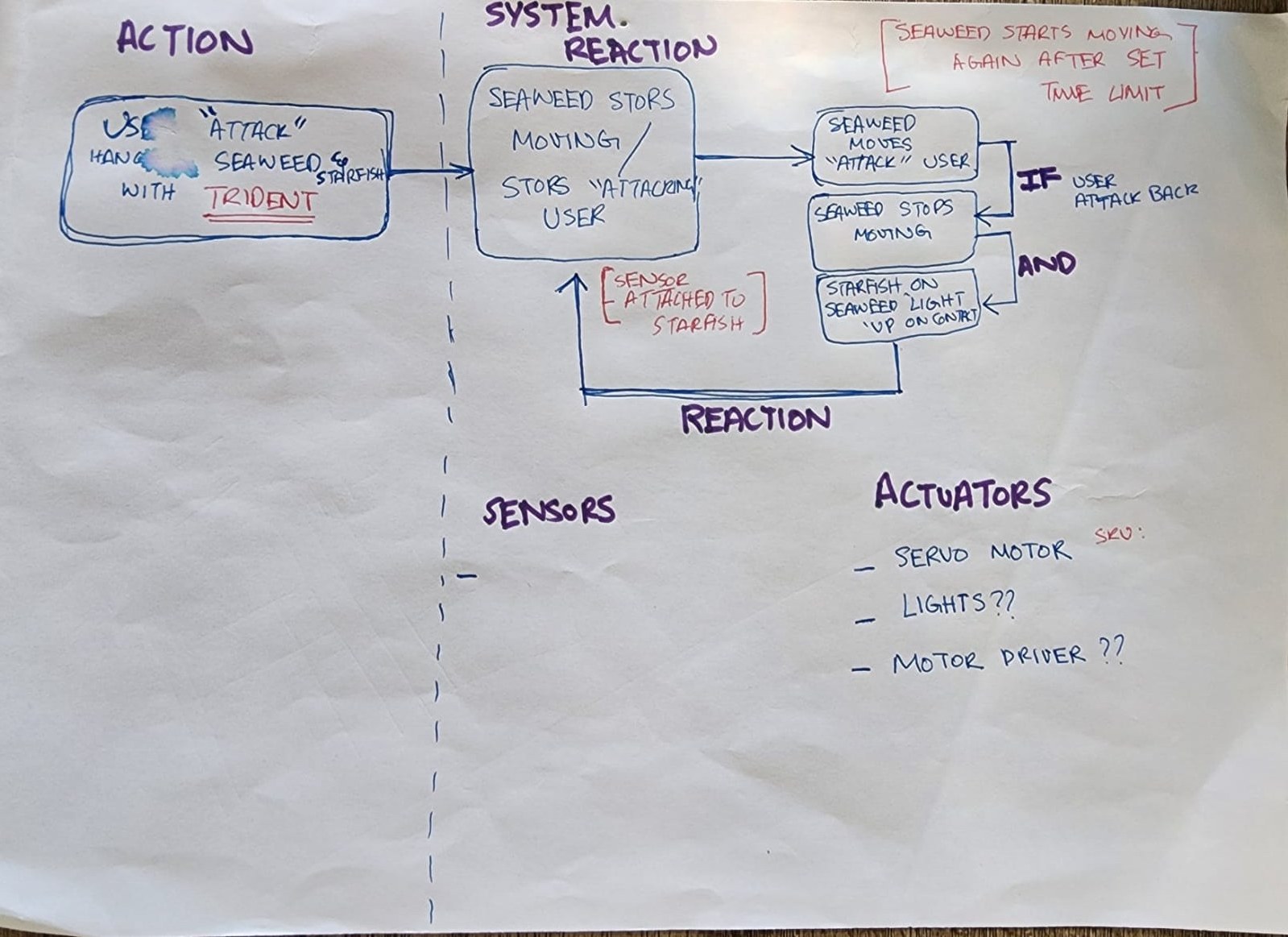
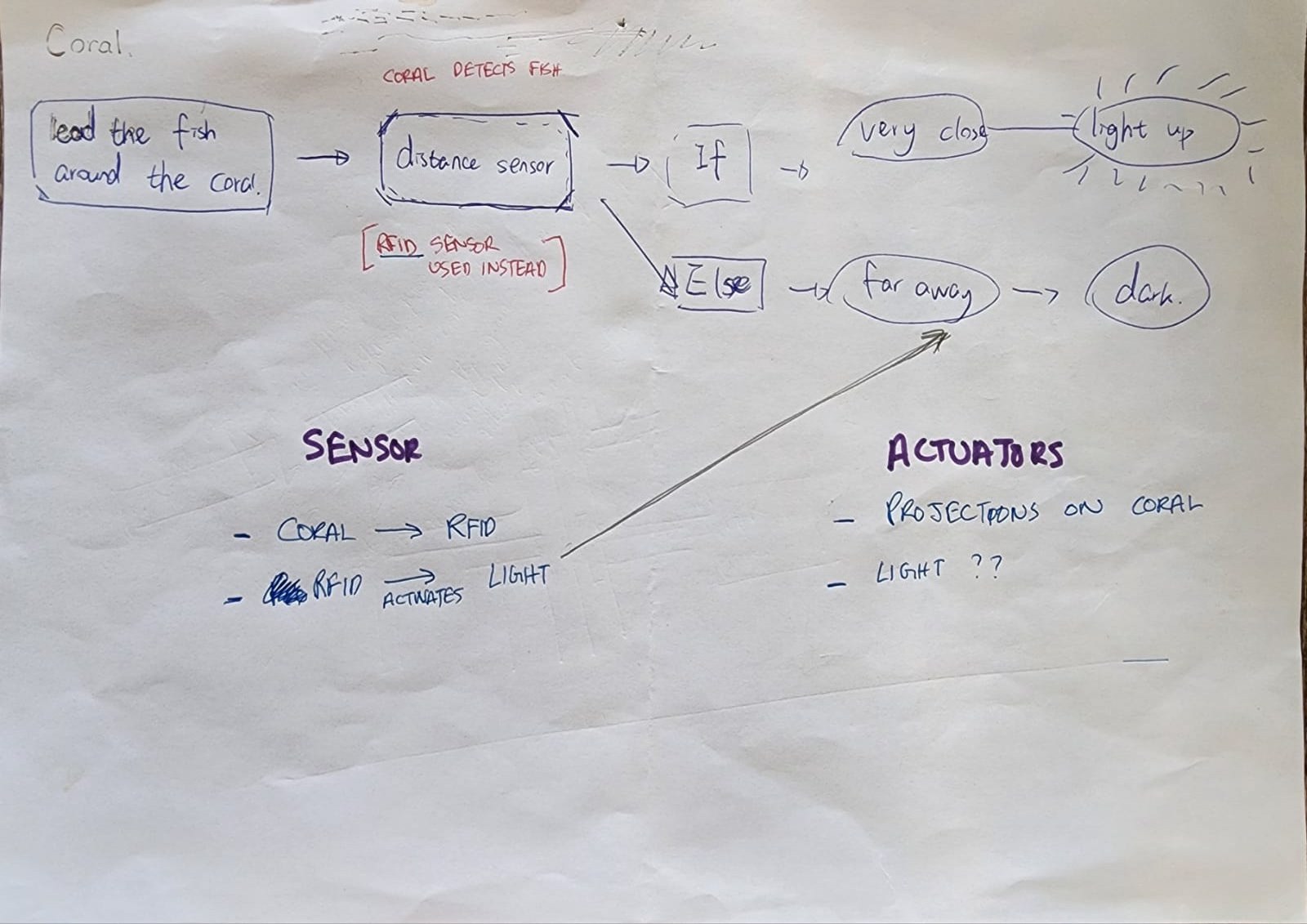
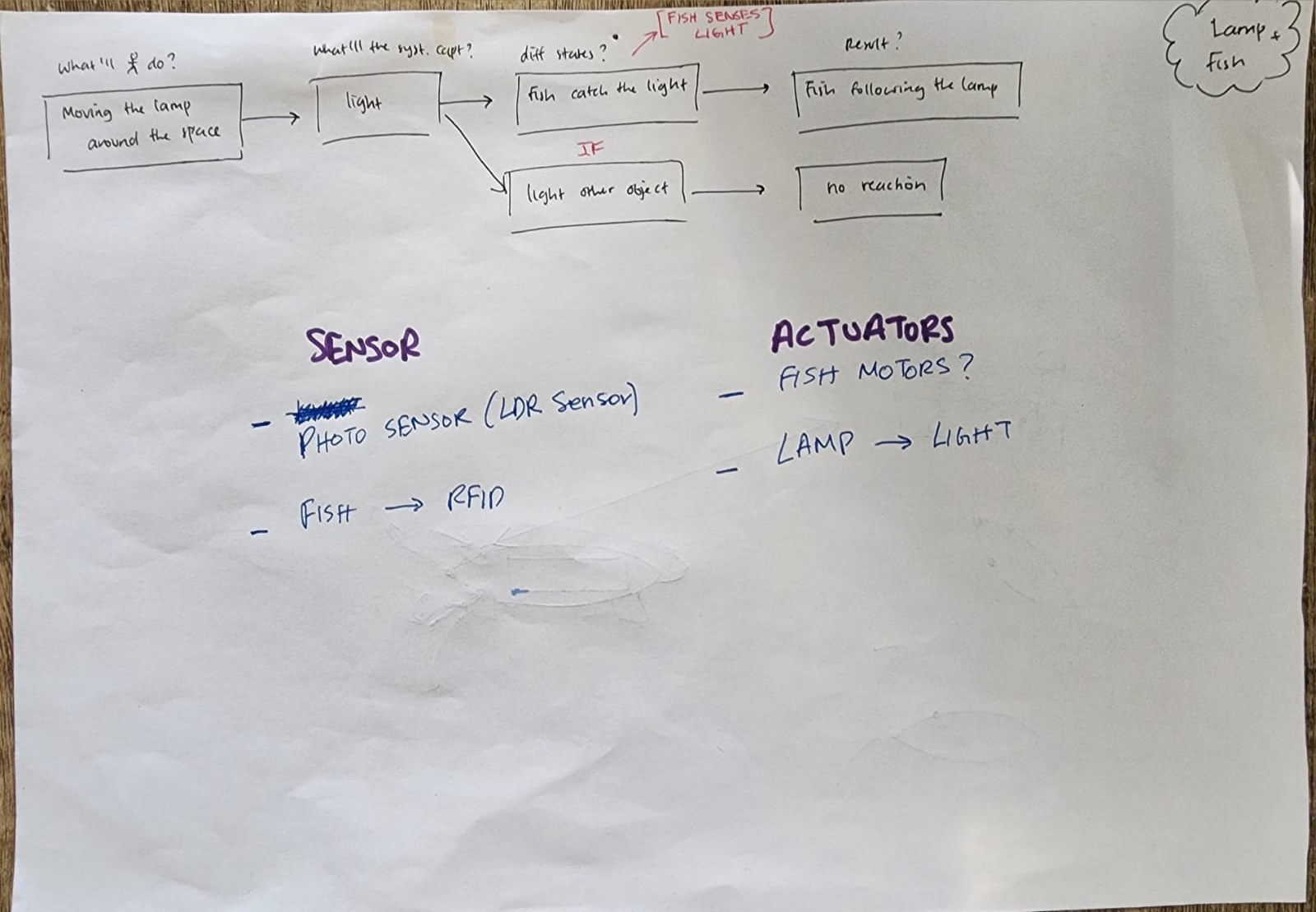
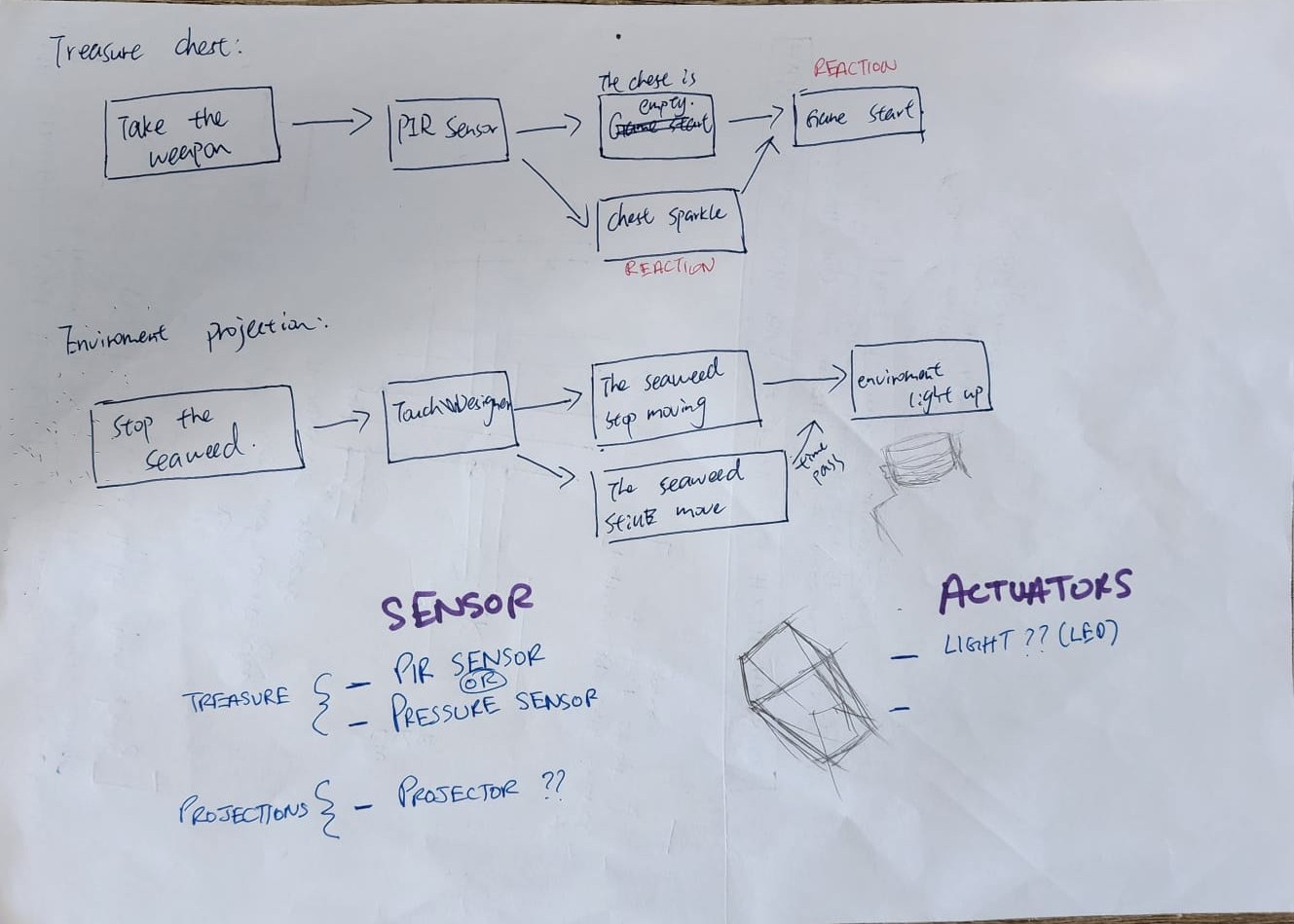
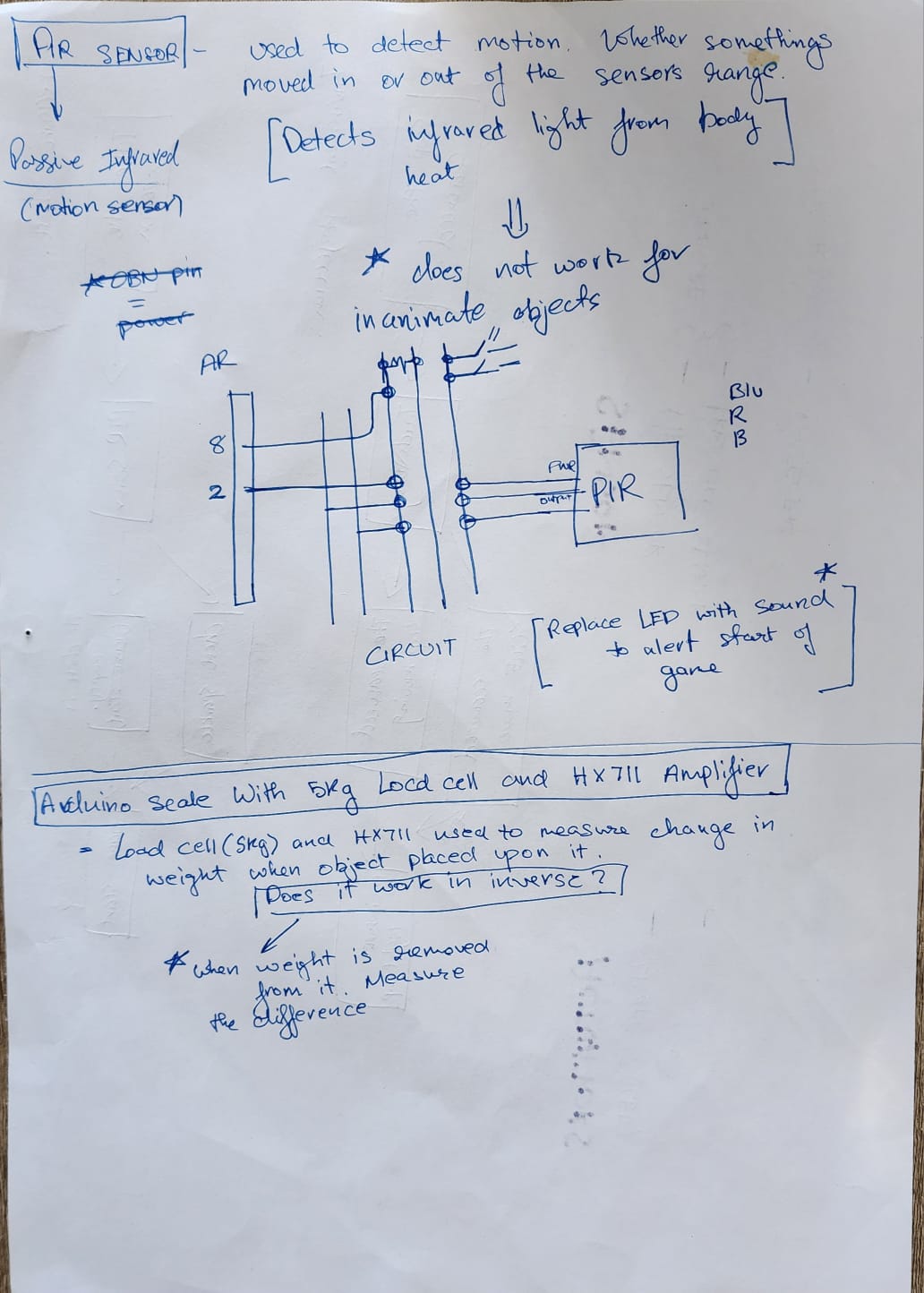
We mapped the interaction logic for seaweed, fish navigation, and coral feedback—plus early sensing ideas and how “reaction” should be communicated without screens.
We built the installation on Arduino, using LDR sensors to detect the light tools, servo and DC motors to drive the seaweed and fish, and LEDs for coral feedback. The build went through two iterations, from feasibility trials to calibrated, readable interactions, before the full environment was integrated for the final demo.
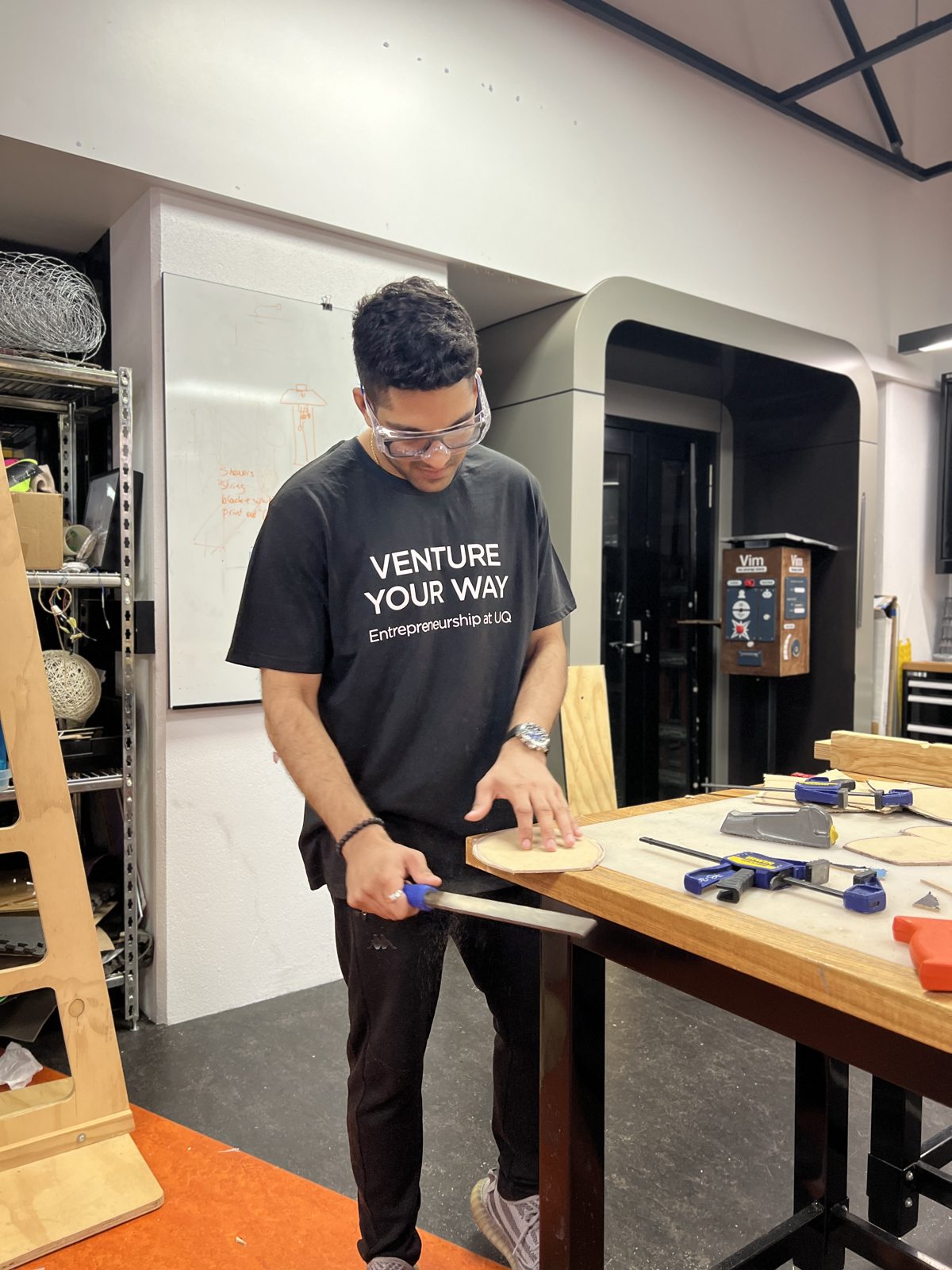
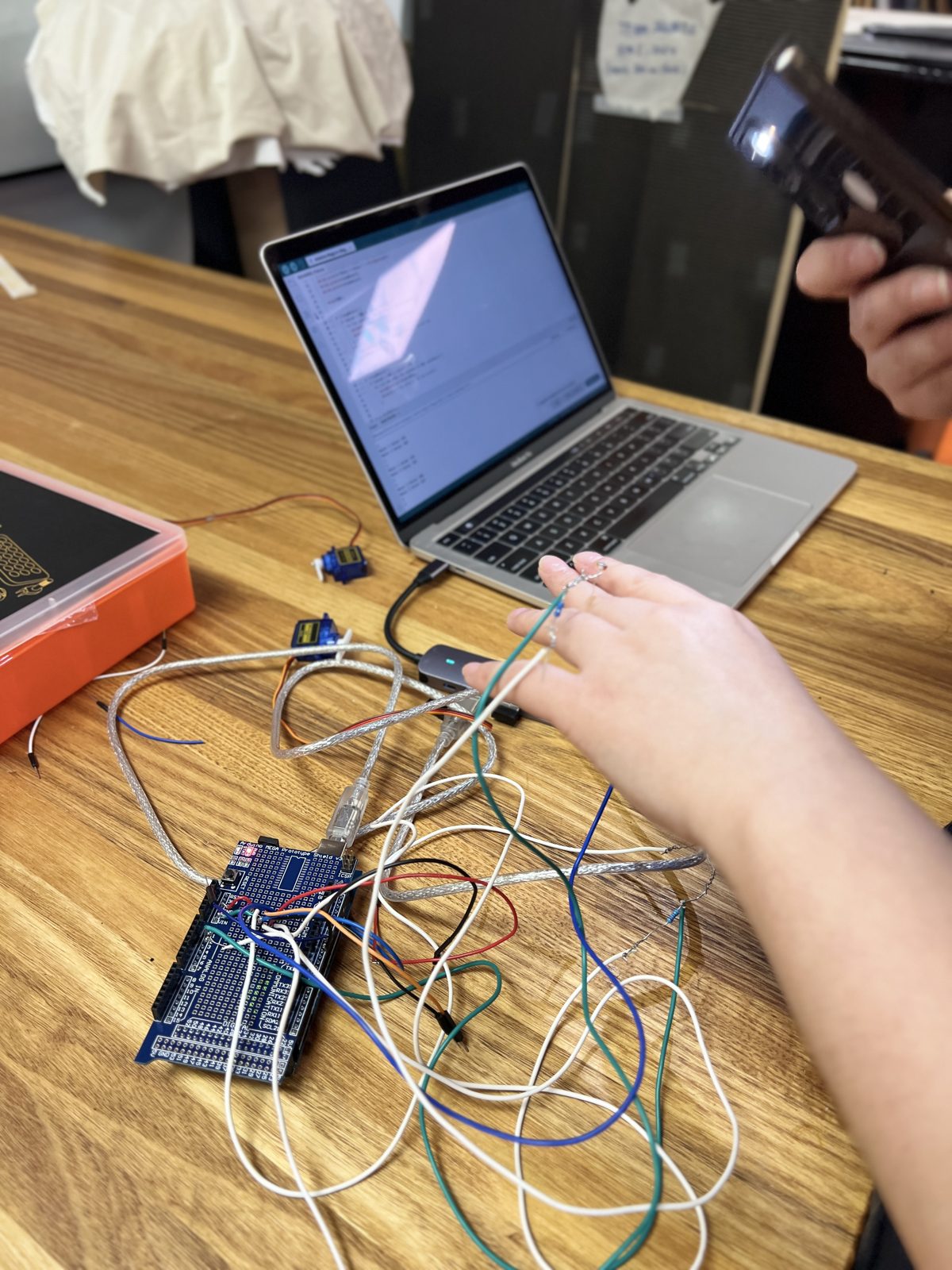
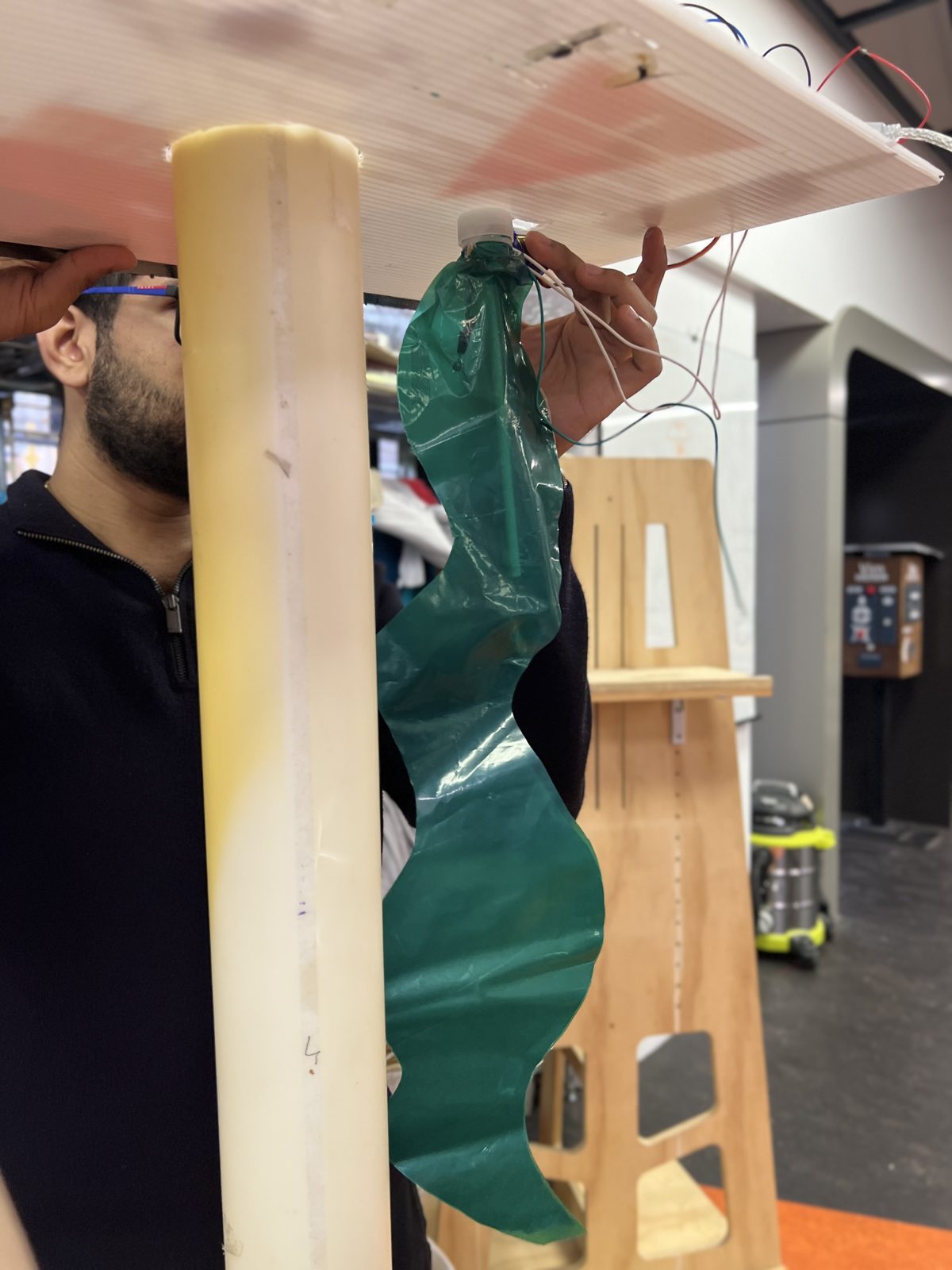
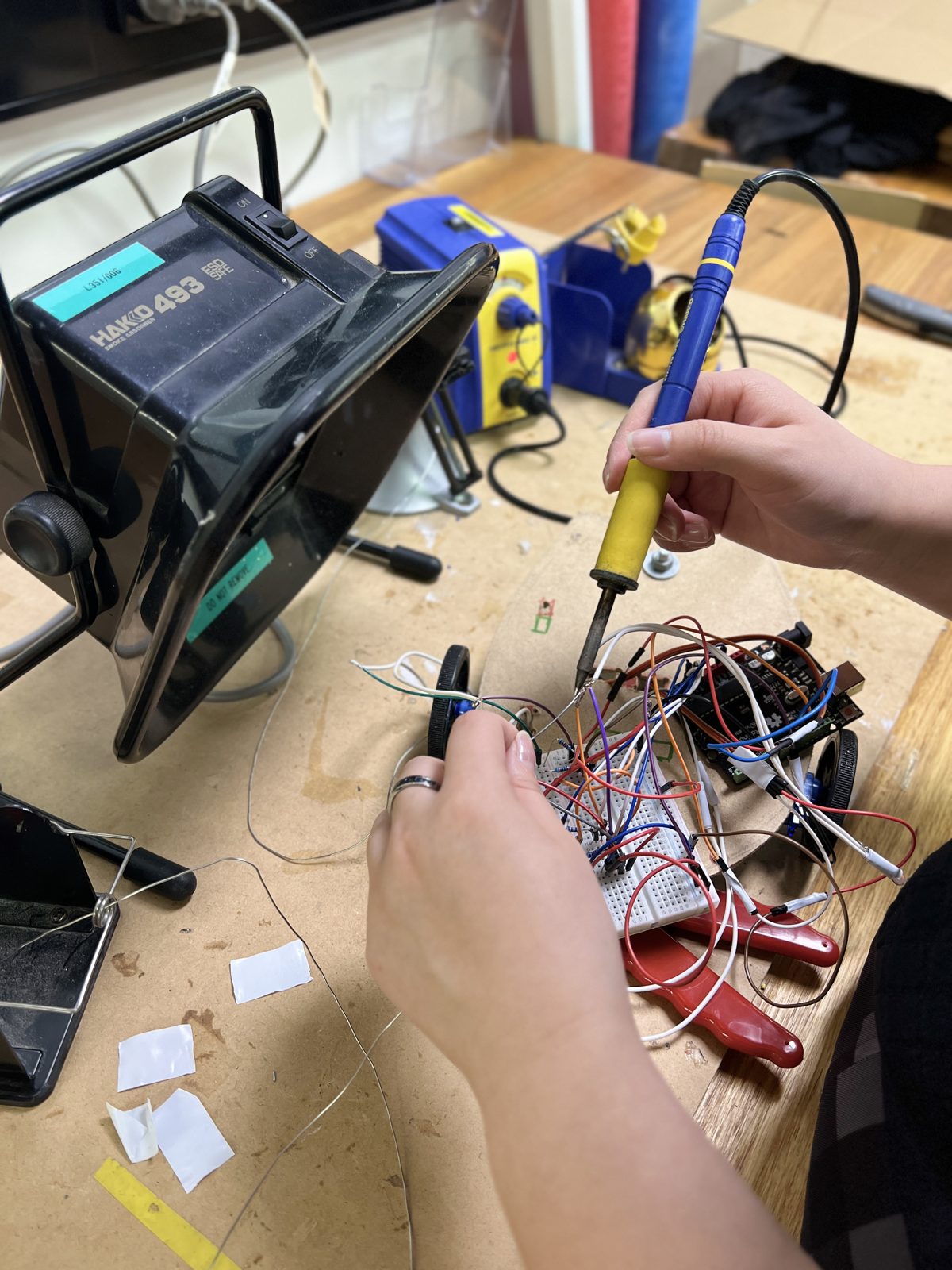
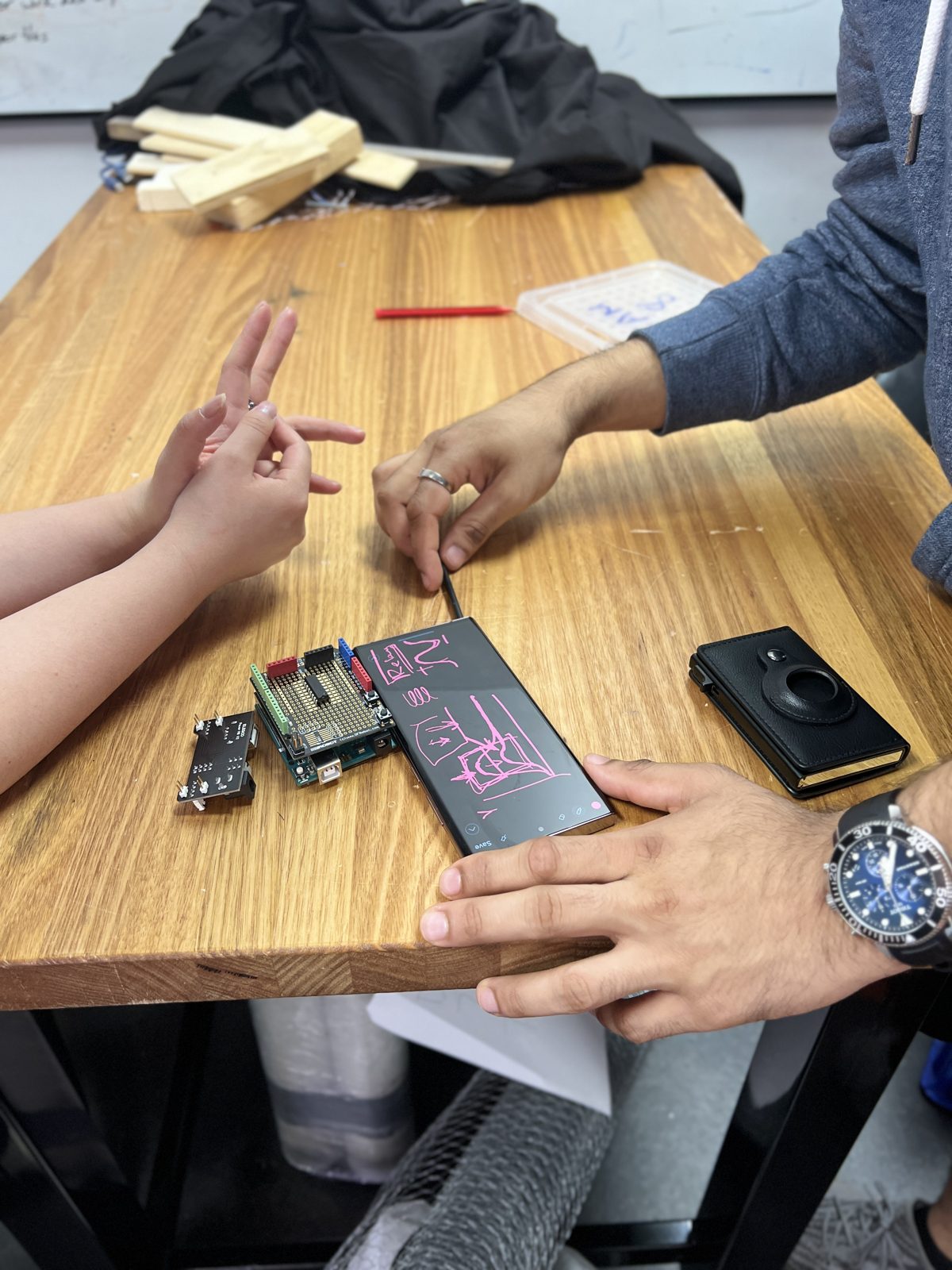
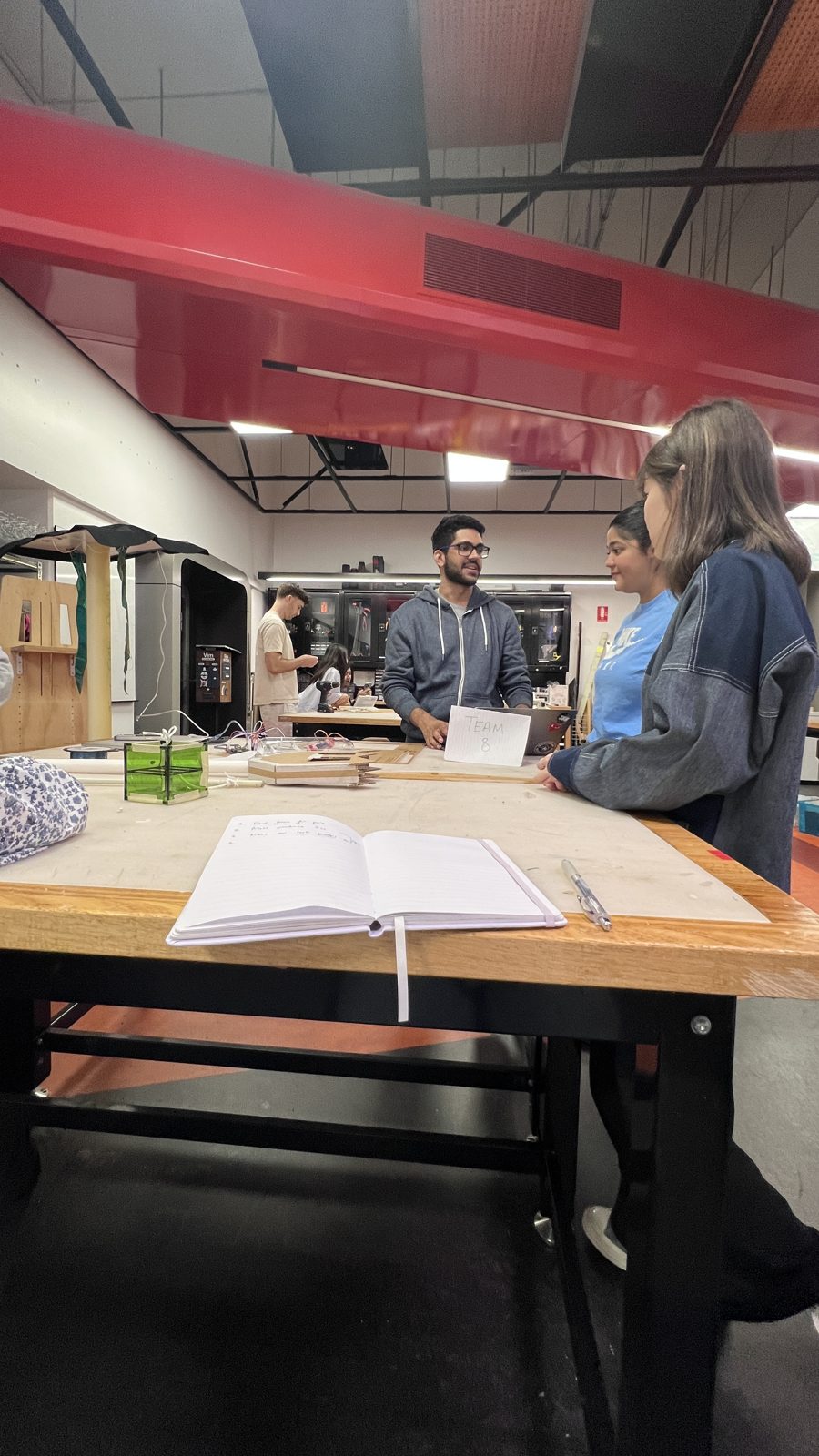
Early functional builds to test sensor placement, wiring, and motion behaviours. This stage revealed sensitivity and positioning issues and what users noticed first when approaching the setup.
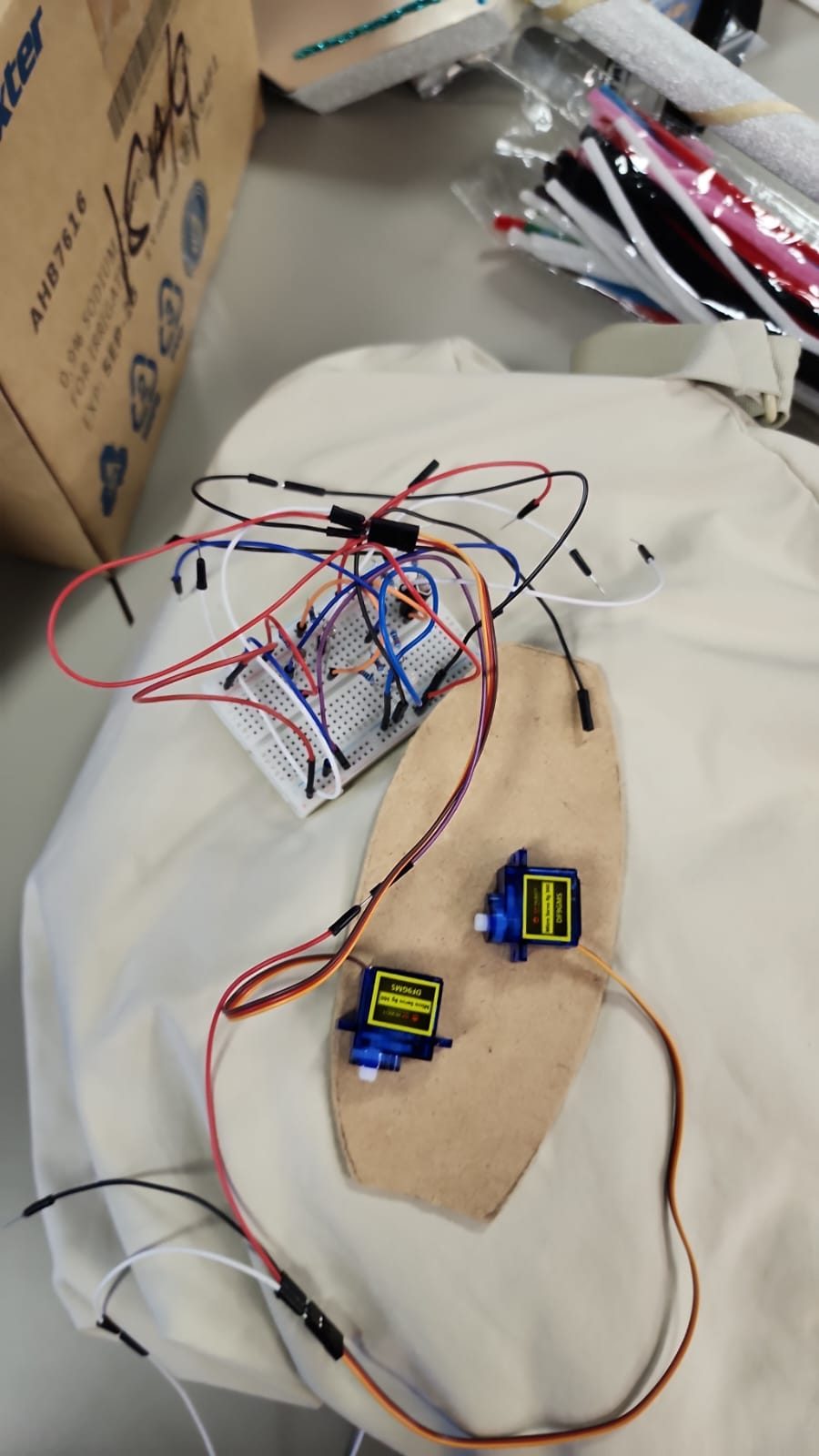
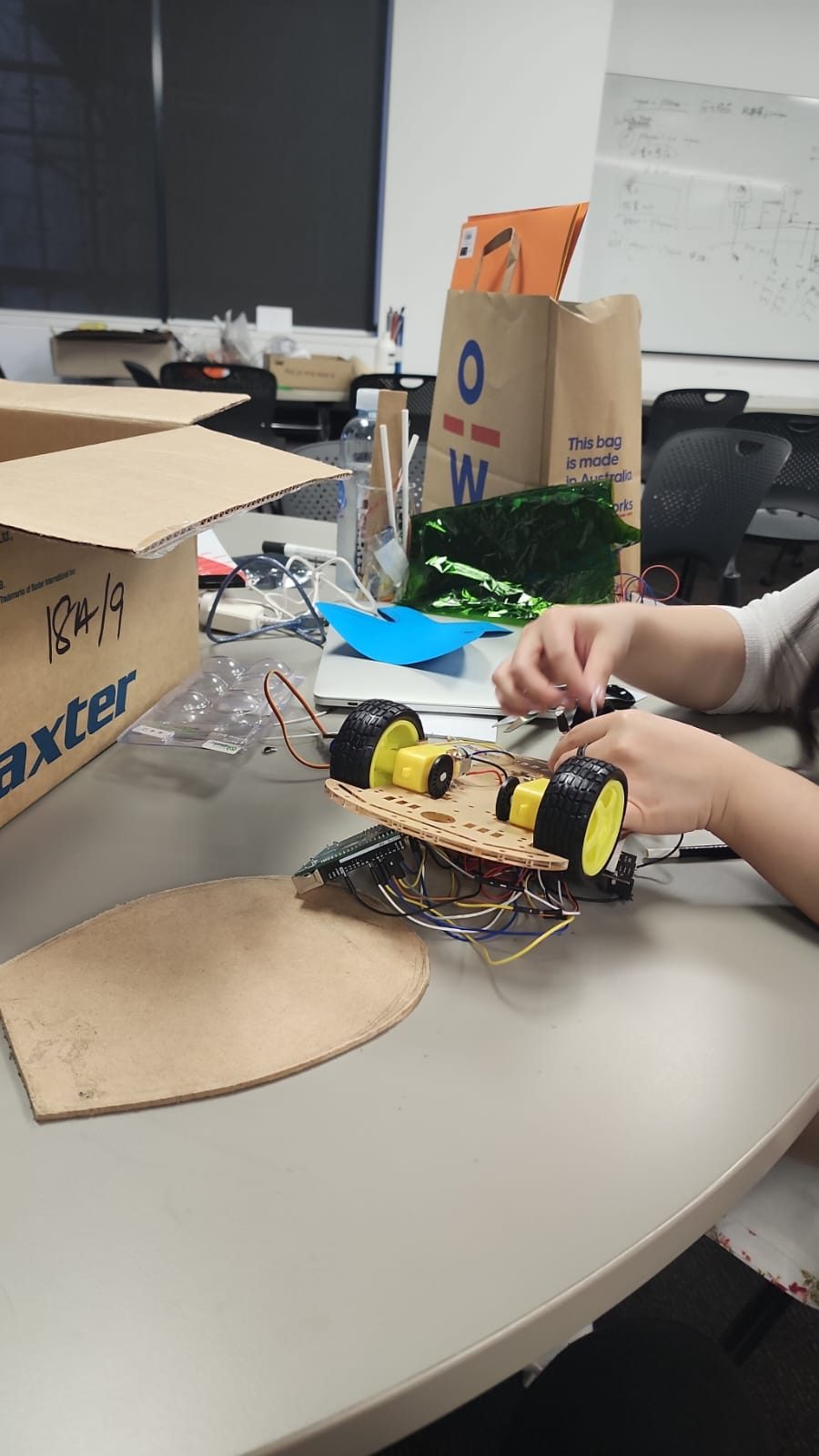
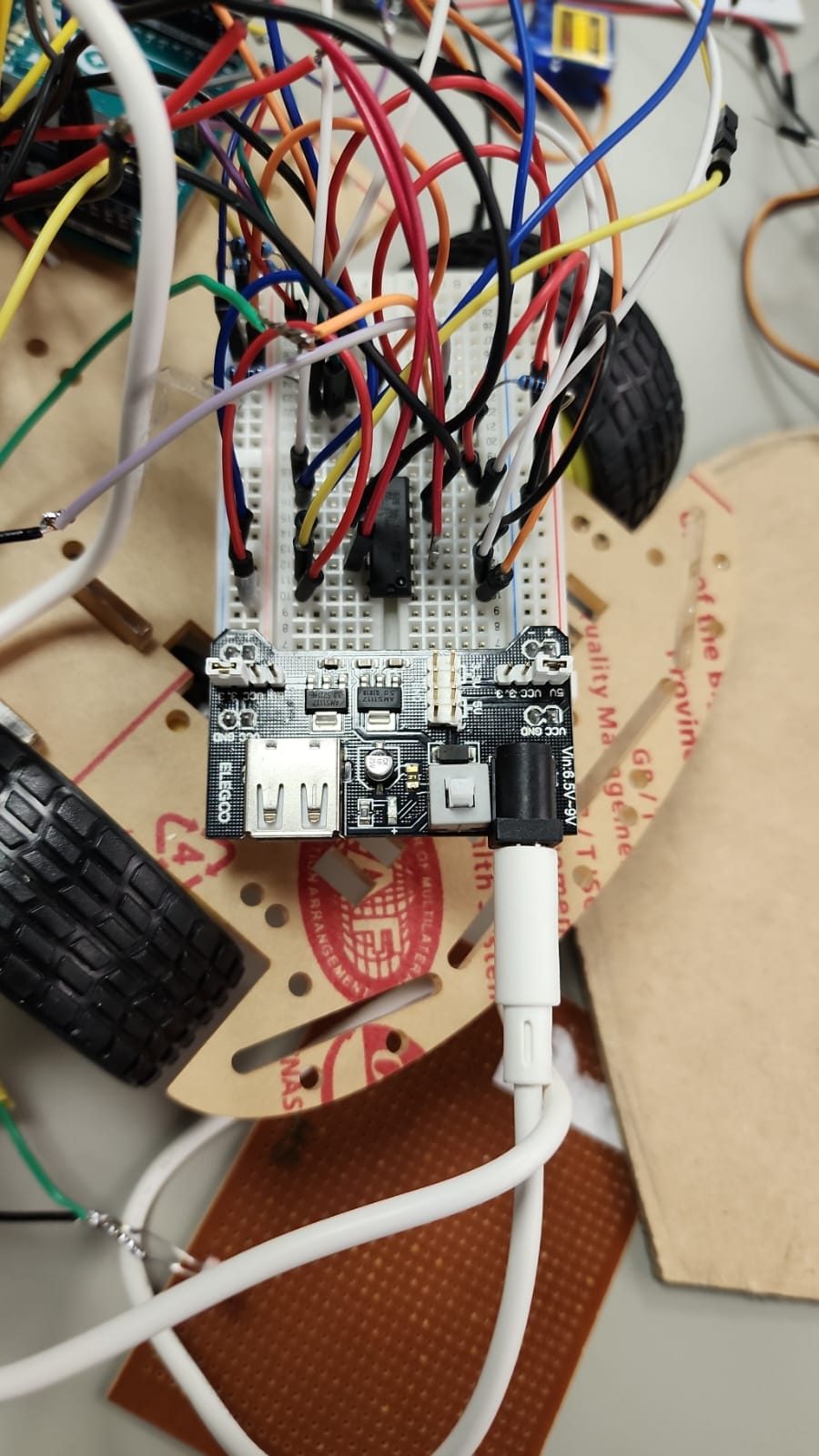
We refined physical forms and sensor locations to match where users naturally aimed the light tools. Thresholds were tuned and feedback was strengthened so the cause-and-effect read instantly.
We integrated the full environment and tuned the loop end-to-end—controllers, creature behaviours, and environmental confirmation—so the experience stayed readable, playful, and responsive without UI overlays.
The key learning was that physical interaction needs instant, unmissable feedback. Each round of testing pushed us toward clearer cause-and-effect, more dependable sensing, and simpler behaviours users could understand within seconds.